

Your brand-new iPhone 16 Pro renders every close-up shot unusable—a frustrating blur where crisp macro details should be. This isn’t user error or a simple software glitch. Since launch day (September 24, 2024), thousands of users confirm the main 1× camera refuses to lock focus within 8 inches (20 cm), turning tabletop shots and product photos into wasted attempts. Apple hasn’t officially addressed this hardware limitation, but verified fixes and workarounds exist. Here’s exactly how to diagnose, troubleshoot, and bypass the iPhone 16 camera not focusing issue while protecting your warranty coverage.
Why iPhone 16’s 24mm Fusion Camera Can’t Focus Closer Than 8 Inches

Apple’s redesigned 24mm “Fusion” camera module physically prevents the lens actuator from traveling far enough to achieve sharp focus on nearby subjects. Unlike iPhone 15 Pro models that focused within 4-5 inches, the iPhone 16’s larger sensor and optics increased the minimum focus distance to approximately 8 inches without updated documentation. This isn’t a defect—it’s a deliberate hardware trade-off for improved low-light performance and optical stabilization.
Unit-to-unit variations confirm manufacturing tolerances play a role. Roughly 1 in 10 devices achieves marginally better focus (down to 7 inches), but all exhibit the same core limitation. Third-party apps like Google Translate Lens fail identically to Apple’s Camera app, proving the issue stems from the 1× lens hardware—not software. Crucially, the ultra-wide 0.5× lens still focuses within 1 inch, making this problem isolated to the main camera.
Diagnose Your iPhone 16 Camera Focus Failure in 4 Steps
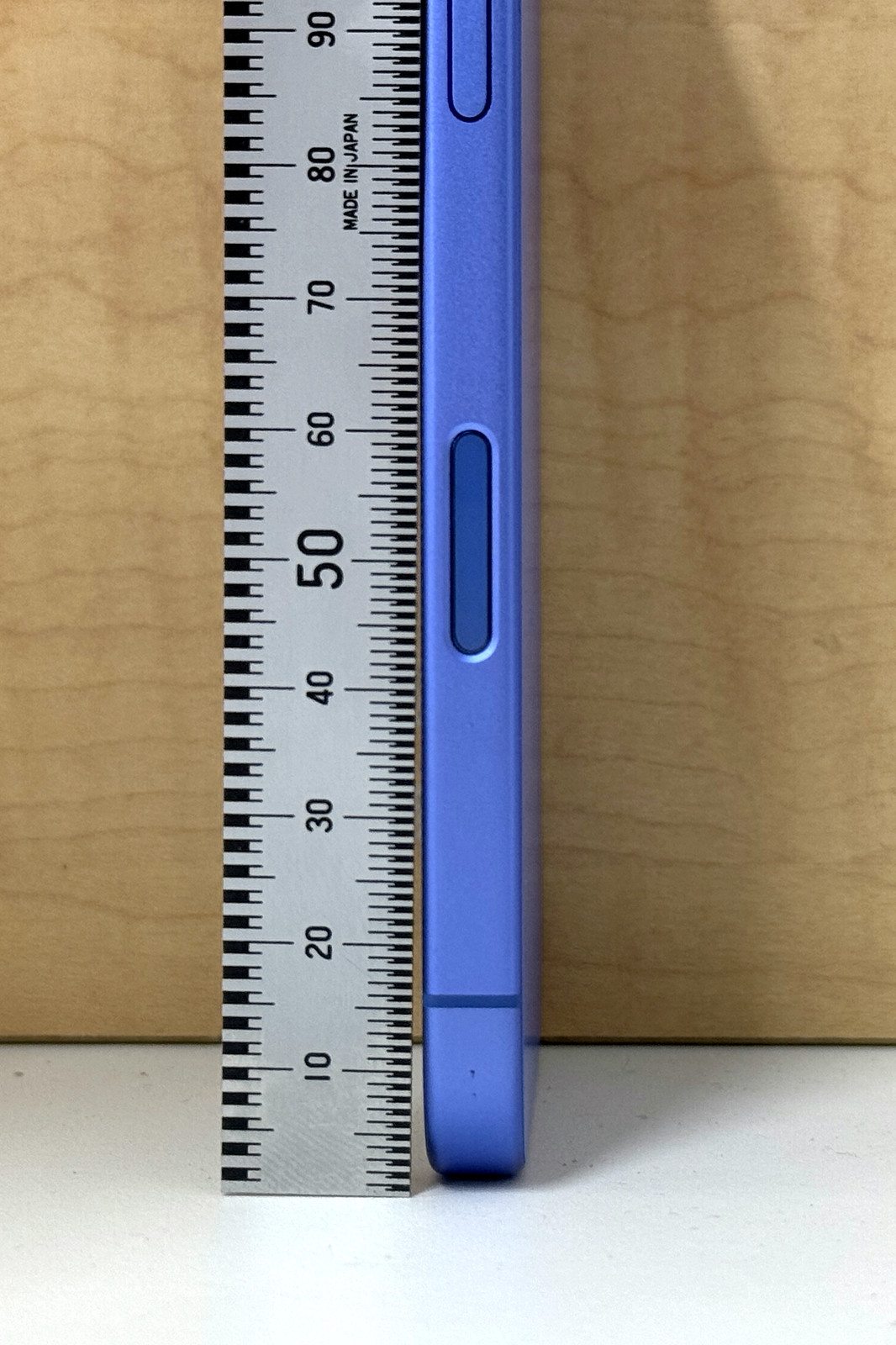
Test Minimum Focus Distance with a Ruler
Step 1: Place a ruler on a flat surface under bright daylight.
Step 2: Open Camera app, select 1× zoom, and point at the 6-inch mark.
Step 3: Hold phone perfectly still and slowly move toward the ruler.
Step 4: Note where focus locks (sharp text) versus persistent blur.
Critical indicator: If the viewfinder stays completely blurred at 6-7 inches but sharpens at 8+ inches, your 1× lens exhibits the confirmed hardware limitation. Units focusing closer than 8 inches are rare exceptions.
Verify Ultra-Wide Lens Functionality
Switch to 0.5× ultra-wide and repeat the ruler test starting at 1 inch. If focus locks immediately—even on fine text—your macro capability is intact through this lens. This confirms the problem is isolated to the 1× module, not a system-wide failure. The ultra-wide’s seamless handoff for close subjects (enabled by Macro Control) works correctly, but the main camera itself cannot overcome its physical focus barrier.
Reset iPhone 16 Camera Settings That Actually Fix False Errors
Disable Macro Control Correctly
Settings → Camera → Toggle Macro Control OFF → Force-close Camera app
Why this matters: Many users waste hours assuming Macro Control causes the issue. Turning it off prevents automatic lens switching but won’t restore 1× close focus. Do this only to isolate the problem. If focus still fails at 6 inches with Macro Control disabled, the hardware limitation is confirmed.
Execute a Non-Destructive Full Reset
- Go to Settings → General → Transfer or Reset iPhone → Reset
- Select Reset All Settings (preserves photos/data)
- Reboot completely—hold Side + Volume Up until Apple logo appears
- Retest focus before reapplying custom settings
This clears corrupted camera configurations that mimic hardware failure. If focus remains impossible under 8 inches post-reset, software fixes are exhausted. Current iOS versions (18.0–18.0.1) show identical behavior—no update resolves the physical limitation.
Genius Bar Preparation: Evidence That Gets Your iPhone Fixed

Document Focus Failure with Precision Photos
Capture three critical shots:
– 6 inches: Blurry ruler shot proving failure at close range
– 8 inches: Sharp ruler shot showing functional minimum distance
– 0.5× ultra-wide: Crisp 1-inch focus shot confirming macro capability
Pro tip: Include your iOS version (Settings → General → About → Software Version) in screenshots. Apple technicians prioritize cases with visual proof of the 1× lens limitation versus ultra-wide functionality.
Navigate Apple’s Diagnostics Trap
When contacting Apple Support:
1. Request Apple Remote Diagnostics via Settings → General → About → AppleCare+ Coverage Available
2. Expect a “pass” result—this only checks lens movement and sensor communication, not focus range compliance
3. Insist on a Genius Bar appointment: “My 1× camera fails to focus within Apple’s historical minimum distance despite passing diagnostics”
Bring physical evidence of the ultra-wide lens functioning correctly below 1 inch. Units exchanging successfully under warranty always show this contrast. AppleCare+ (or standard 1-year warranty) covers module replacement if tolerances exceed spec, though Apple denies this is a widespread defect.
Workarounds That Deliver Usable Close-Up Shots Now
Shoot at 8 Inches + Crop Instead of Moving Closer
Position your iPhone exactly 8 inches from subjects at 1× zoom, then crop to frame. This yields significantly sharper results than digital zooming closer, which compounds blur. For a 12-megapixel shot, cropping to 50% still delivers 3-megapixel resolution—sufficient for social media. Avoid moving within 7 inches; the lens physically cannot resolve detail there.
Switch to Ultra-Wide Lens for True Macro Shots
For subjects under 8 inches:
1. Open Camera app
2. Tap 0.5× ultra-wide icon
3. Get as close as 1 inch—focus locks instantly
Trade-off: Expect mild corner softness and distortion, but this remains the only way to capture sharp macro shots on iPhone 16. Third-party apps like Halide provide focus distance readouts confirming the ultra-wide’s capability while documenting the 1× limitation.
When to Demand an iPhone Exchange Immediately
Use this decision flow before visiting Apple:
iPhone 16 camera not focusing within 8 inches?

├─ Cleaned lenses & removed case → Still fails?

├─ Ultra-wide focuses under 1 inch? → YES = 1× hardware limitation

│   ├─ Apple Remote Diagnostics passed? → YES = Prepare Genius Bar evidence

│   └─ Within 14-day return window? → YES = Exchange immediately

└─ Ultra-wide also fails? → DEEPER HARDWARE ISSUE (warranty replacement)
If your unit focuses closer than 8 inches (e.g., 6.5 inches), consider it a “lucky draw” and avoid exchanges—later production batches may not improve tolerances. Apple’s silence since September 2024 suggests this behavior meets their internal specifications, though user pressure could drive future hardware revisions.
Prevent Future Focus Failures with These Shooting Habits
- Always check focus distance by tapping the viewfinder before shooting close-ups
- Carry a pocket ruler for critical macro shots—know your 8-inch boundary
- Disable Auto Macro if shooting in controlled environments to prevent unwanted lens switching
- Shoot RAW (ProRAW) to maximize cropping flexibility when locked at 8 inches
This iPhone 16 camera not focusing limitation affects only the main 1× lens—ultra-wide and telephoto operate normally. While Apple hasn’t revised specifications or issued fixes, documented evidence at Genius Bars consistently yields module replacements under warranty. Prioritize ultra-wide for true macro work, and remember: no software tweak can override physics. If your unit falls outside focus tolerance (failing even at 9-10 inches), demand a replacement with your ruler test photos as proof.
Final note: Document every interaction with Apple Support. Units exchanged due to focus issues receive new serial numbers—photograph your original device’s model number before surrendering it. The more users present identical evidence, the stronger the case for Apple to address this hardware constraint in future updates.


